Give every team member the full customer picture before they take the next step
Store contacts, properties, notes, history, and customer-level context in one shared system so service feels consistent from the first call to repeat work.
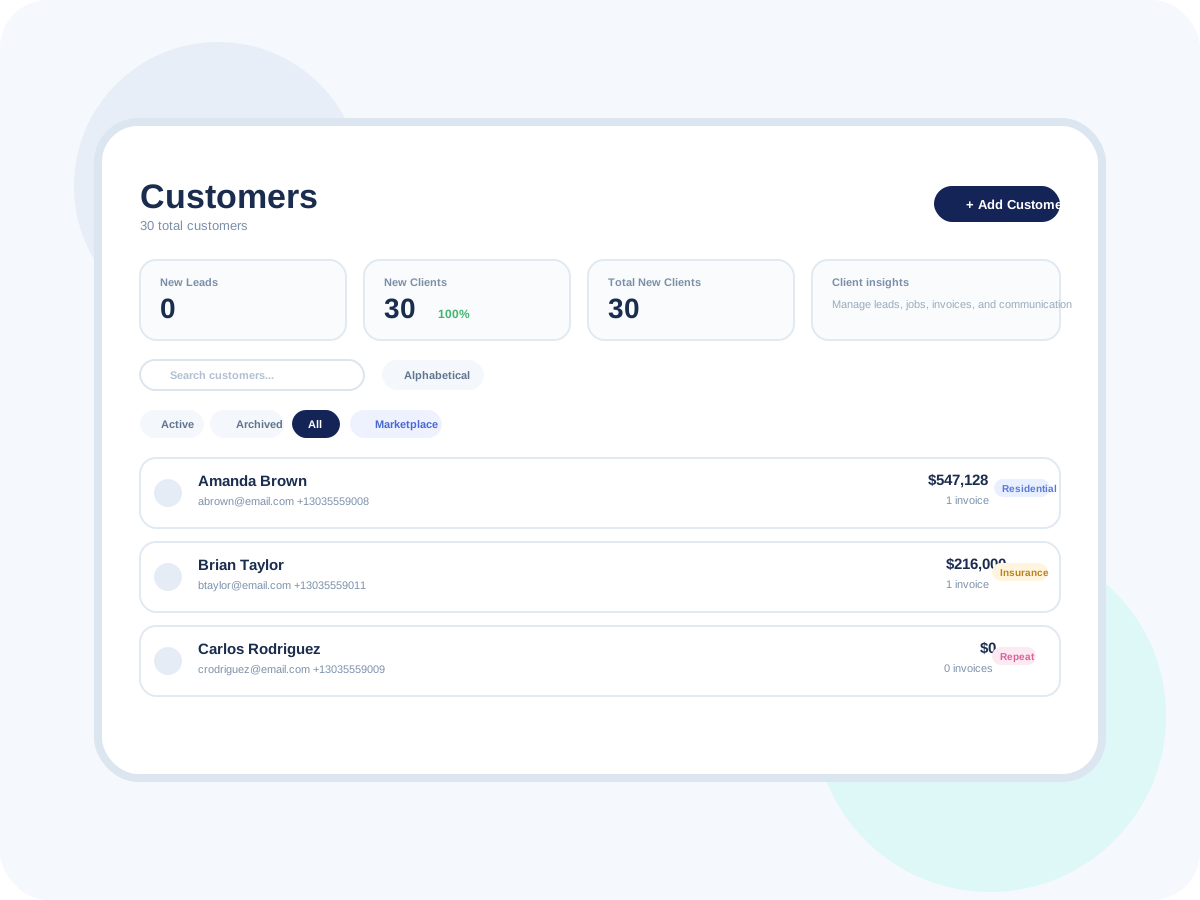
Made to fit your workflow
The daily advantages that make this feature feel like part of your front office, not another tool to manage.
See who the customer is and where the work happens.
Reduce duplicate records across the team.
Make repeat service easier to manage.
Understand the customer relationship at a glance.
Give office and field staff the same context.
Improve service continuity on repeat work.
Group records in ways that support follow-up.
Spot key customer segments faster.
Create a cleaner operational view for the team.
Support better service on returning jobs.
Reduce repeated questions for loyal customers.
Help the team look more prepared and professional.
How Customer Management works
A simple, repeatable workflow that takes the feature from setup to customer-facing results.
Create the record
Add customer, property, and contact details once so the whole team works from the same profile.
Store the basics in a structured format.
Keep people and properties linked correctly.
Reduce admin cleanup later.
Attach activity over time
Jobs, communication, notes, and documents build a more complete customer history automatically.
Let the record improve as work happens.
Reduce manual history tracking.
Give staff more useful context by default.
Organize by segment
Use tags and internal structure to keep customers easier to manage as the business grows.
Separate customer types and priorities.
Support cleaner follow-up workflows.
Make the database more useful to the team.
Use context on the next job
Open the profile before scheduling, estimating, or responding so every touchpoint feels informed.
Help staff respond with better context.
Improve continuity across repeat work.
Make customer experience more consistent.
Ready to try Customer Management?
Start your free trial today and see how this workflow fits the way your business already runs.