Give your field team the office in their pocket
Run jobs from the field with schedules, customer history, photos, notes, timesheets, and payments all inside one mobile workflow.
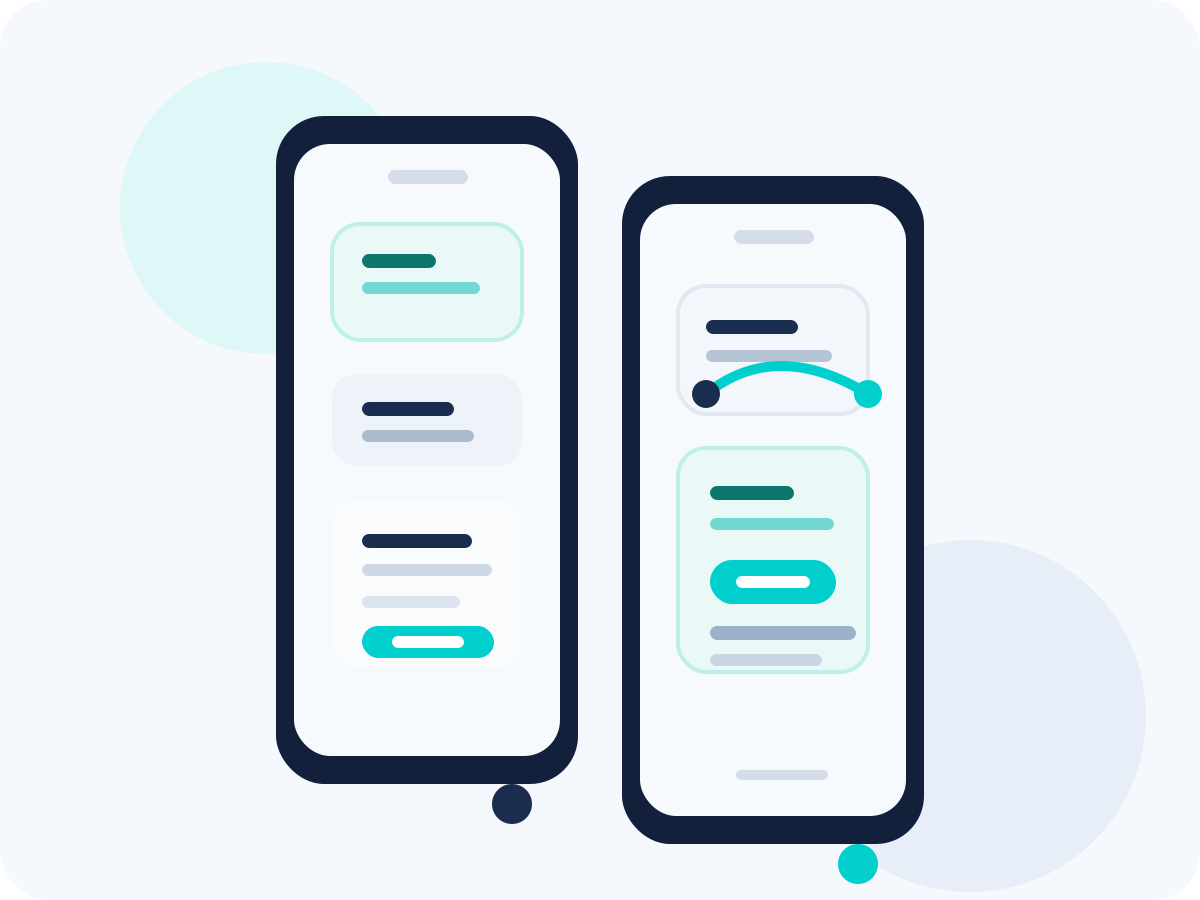
Made to fit your workflow
The daily advantages that make this feature feel like part of your front office, not another tool to manage.
Keep every job detail available in the field.
Reduce back-and-forth calls for missing information.
Help crews show up prepared for the work ahead.
Document progress without waiting to get back to the office.
Attach proof of work directly to the job record.
Share context faster with office staff and customers.
Track time where the work is actually happening.
Reduce payroll cleanup after the day is done.
Tie labor back to jobs automatically.
Close out work with invoices and payment in one flow.
Give customers a faster, cleaner checkout experience.
Improve cash flow by reducing unpaid completed jobs.
How Mobile App works
A simple, repeatable workflow that takes the feature from setup to customer-facing results.
Dispatch the job
Assign the work from the office and push it to the technician with all the right details attached.
Send the address, scope, notes, and customer info instantly.
Keep the whole crew aligned on the latest plan.
Avoid relying on texts or verbal handoffs.
Work from the field
The technician opens the job in the app, updates status, reviews notes, and logs progress in real time.
See what changed without calling back to the office.
Update statuses as the day moves from job to job.
Keep dispatch and office staff informed automatically.
Capture proof and labor
Add photos, notes, materials, and time from the same mobile workflow while the work is fresh.
Document work before leaving the site.
Track labor against the correct customer and job.
Leave a cleaner record for invoicing and follow-up.
Close out the job
Mark the work complete, collect payment, and sync everything back to the office in one pass.
Finish the workday with fewer admin loose ends.
Move completed jobs straight into payment and reporting.
Keep office, field, and customer records in sync.
Run the job without waiting to get back to the office
Give technicians one mobile workflow for dispatch, updates, time tracking, notes, and payment collection.