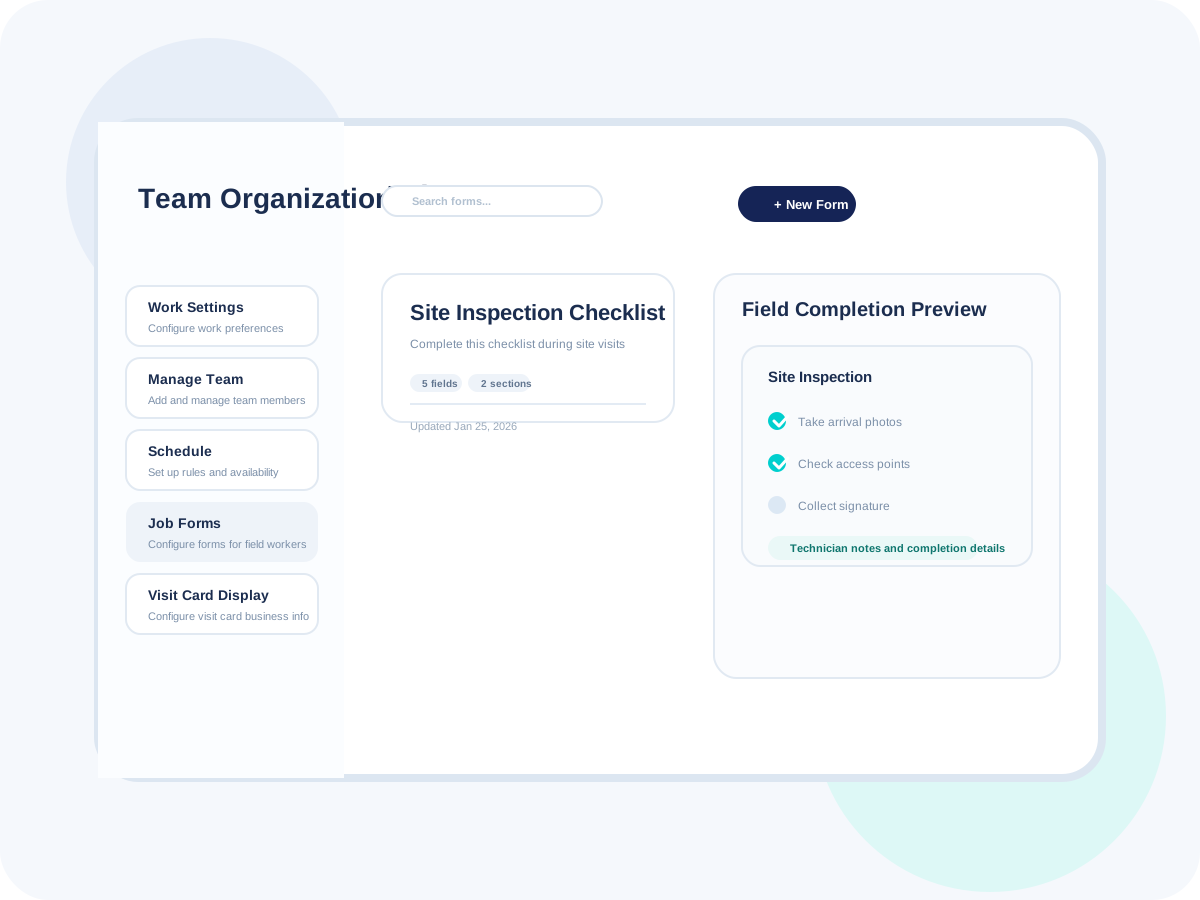
Capture structured field information without relying on paper, memory, or scattered notes
Use digital forms, inspections, and checklists so the team records the right details on the job and brings them back into the same operating system.
Made to fit your workflow
The daily advantages that make this feature feel like part of your front office, not another tool to manage.
Replace paper forms with a cleaner workflow.
Standardize what gets captured on site.
Keep inspection data easier to review later.
Support more consistent field execution.
Reduce missed steps on routine work.
Make process adherence easier for the team.
Keep proof of work tied to the job.
Reduce lost images or missing signatures.
Support cleaner closeout documentation.
Keep records easier to revisit later.
Support operational consistency and accountability.
Make field documentation more useful to the business.
How Job Forms & Checklists works
A simple, repeatable workflow that takes the feature from setup to customer-facing results.
Set the form or checklist
Choose the structure the crew should follow for a specific type of work or inspection.
Match the workflow to the job type.
Keep expectations clearer for the field.
Support repeatable documentation from the start.
Capture on site
The technician fills out the form, works through the checklist, and logs the required job details.
Capture information while it is fresh.
Reduce after-the-fact note reconstruction.
Keep documentation closer to the work itself.
Attach proof and signoff
Photos, notes, and signatures stay connected to the same record instead of being stored separately.
Create stronger proof of work.
Support cleaner completion workflows.
Keep the record more useful after the visit.
Review from the office
Office staff can see the final form, checklist results, and attached proof in the same operating system.
Reduce follow-up for missing field details.
Support better review and coaching.
Keep closeout workflows tighter.
Ready to try Job Forms & Checklists?
Start your free trial today and see how this workflow fits the way your business already runs.