Keep customer communication connected to the work, not buried in separate tools
Bring customer messages, team handoff, and document-related communication into one shared inbox tied to the right customer and job.
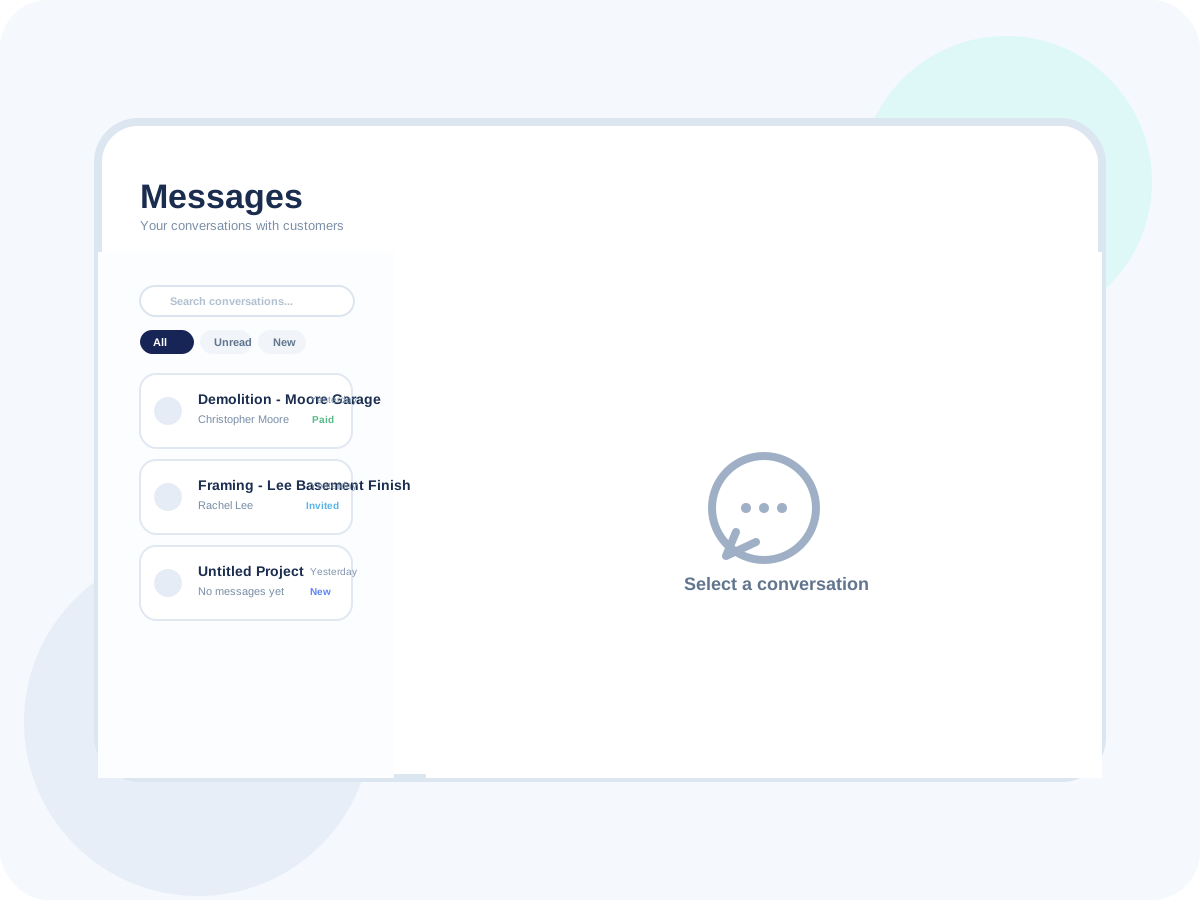
Made to fit your workflow
The daily advantages that make this feature feel like part of your front office, not another tool to manage.
See communication history in one place.
Reduce scattered texts and inbox hunting.
Help the whole team stay aligned on context.
Reference the exact estimate or job being discussed.
Reduce confusion across active customers.
Support faster replies with better context.
Pass information between teammates faster.
Reduce missed context during shift changes.
Keep work moving without repeated calls.
Cut reply time for office staff.
Keep customers informed without extra admin.
Make communication feel more consistent.
How Messages Inbox works
A simple, repeatable workflow that takes the feature from setup to customer-facing results.
Messages arrive
Customer communication is captured inside a shared inbox view instead of being spread across separate channels.
Keep communication discoverable for the whole team.
Tie new messages to the right customer record.
Prevent missed replies from hidden inboxes.
Review the full context
Open the thread alongside the related job, estimate, invoice, or customer history.
Respond with the full picture in mind.
Avoid context switching between tools.
Help staff make faster decisions.
Coordinate internally
Share notes or handoff instructions so office and field teams know what needs to happen next.
Keep team communication grounded in the customer record.
Reduce verbal handoff errors.
Move next steps forward more reliably.
Close the loop
Reply, update the workflow, and leave a cleaner communication history for the next person who opens the record.
Document what happened without extra admin.
Keep the inbox useful over time.
Support better customer experience on repeat work.
Ready to try Messages Inbox?
Start your free trial today and see how this workflow fits the way your business already runs.